
Why Static Checklists Don’t Work in a Modern Dental Office (and What to Use Instead)
Static checklists like Word docs and laminated papers can’t keep up with the fast pace of a modern dental office. Learn why they fail—and what to use instead to improve accountability, transparency, and efficiency.

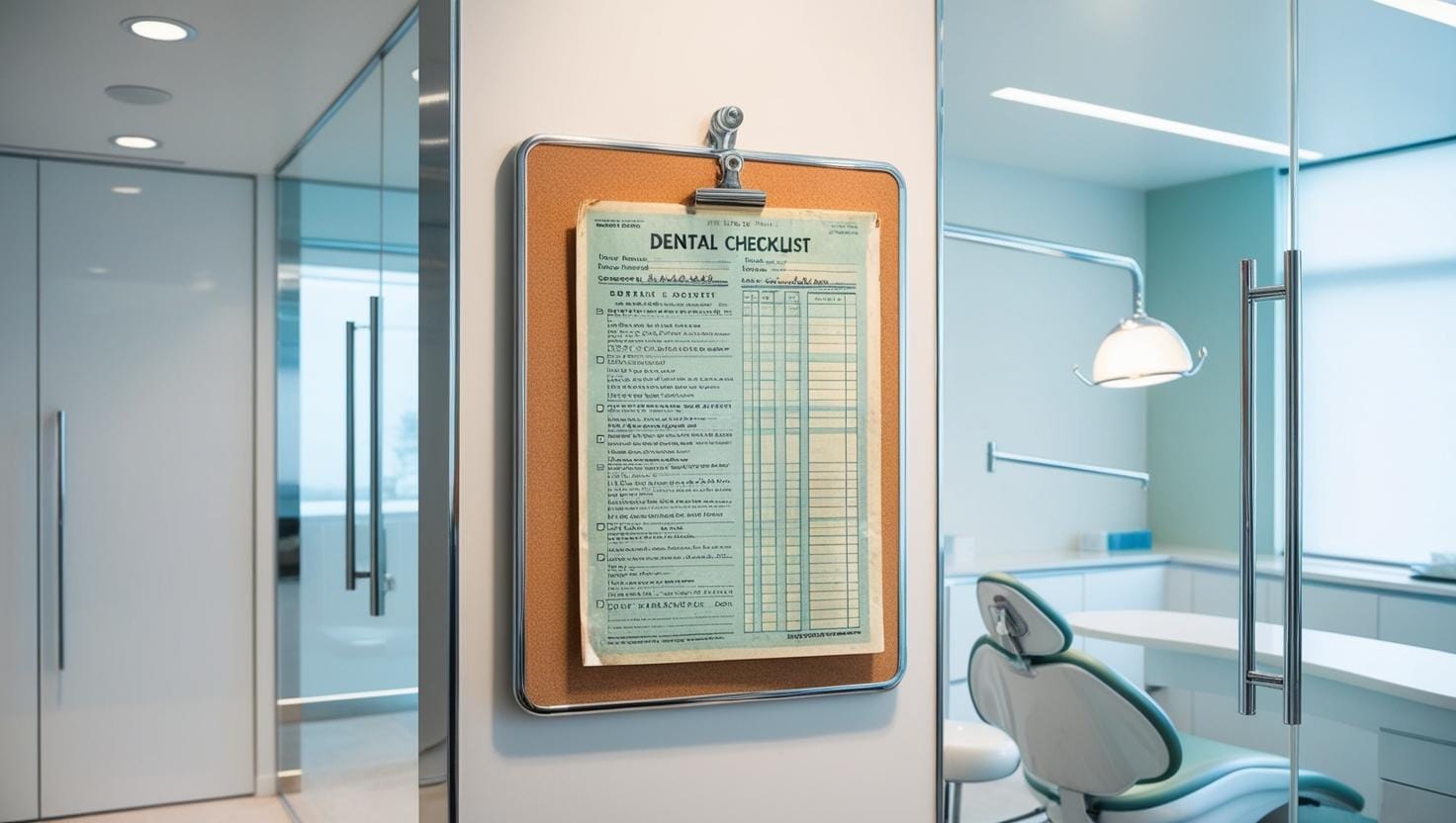
If your checklists live in Word docs, Excel sheets, or laminated pages—you’re setting your systems up to break.
Dental offices are dynamic. Team roles change. Tools evolve. Processes shift.
But your checklist? It’s stuck.
Here’s why static systems can’t support a modern dental team—and what to use instead if you want consistency, clarity, and real accountability.
❌ The Problem with Static Checklists
Most dental teams start with something like this:
- A checklist in Word or Excel
- Printed copies at the front desk or sterilization area
- Maybe even a laminated version for reuse
And they work—until something changes.
Then you’re left reformatting, reprinting, and trying to figure out which version is current.
Common Issues We Hear from Dental Teams:
- “I’m constantly updating checklists in Word… then reprinting them every few weeks.”
- “We laminated ours, and now we have to remake them every time someone leaves or gets hired.”
- “We have four versions floating around and no one knows which one is right.”
What started as a system quickly becomes a time-waster—and a risk for dropped tasks.
Free Office Manager Survival Kit
Download your essential checklists to stay organized, lead your team, and keep your office running smoothly.
✅ What a Checklist System Should Do
A modern dental checklist should:
- Be easy to update as your practice evolves
- Allow you to assign tasks to specific people or roles
- Provide visibility into what’s done and what’s not
- Eliminate version control confusion
- Be accessible from anywhere, even if you’re off-site
That’s not a Word doc. That’s not a laminated sheet. That’s a digital checklist platform—like Milo.
⚙️ Why Milo Is Built for Modern Dental Teams
We designed Milo for practices that:
- Don’t want to micromanage, but still need accountability
- Onboard new team members often
- Run multiple checklists for different roles (front desk, assistants, office manager)
- Want a centralized place to build, track, and evolve their systems
With Milo, you can:
- Create unlimited checklists
- Assign them by role or employee
- Track progress in real time
- Submit checklists for feedback
Update checklists instantly—without reprinting anything.
💡 Bonus: Visibility Drives Accountability
Studies show that public task tracking increases completion rates and consistency.
Milo’s visibility features—like task progress, submissions, and comments—encourage team members to stay on track without needing constant check-ins.
Final Word
If you’re still using static checklists, you’re doing more work than necessary—and risking more errors than you think.
Your dental office deserves systems that grow with your team—not ones that break every time something changes.
📥 Ready to upgrade?
Try one of our most-used checklists—The Dental Treatment Coordinator Daily Checklist—free on Milo.