Digital Checklists vs Paper for Dental Offices: What Works Better?
Paper checklists can feel organized at first, but in a real dental office they get outdated fast. Here is why digital checklists work better.

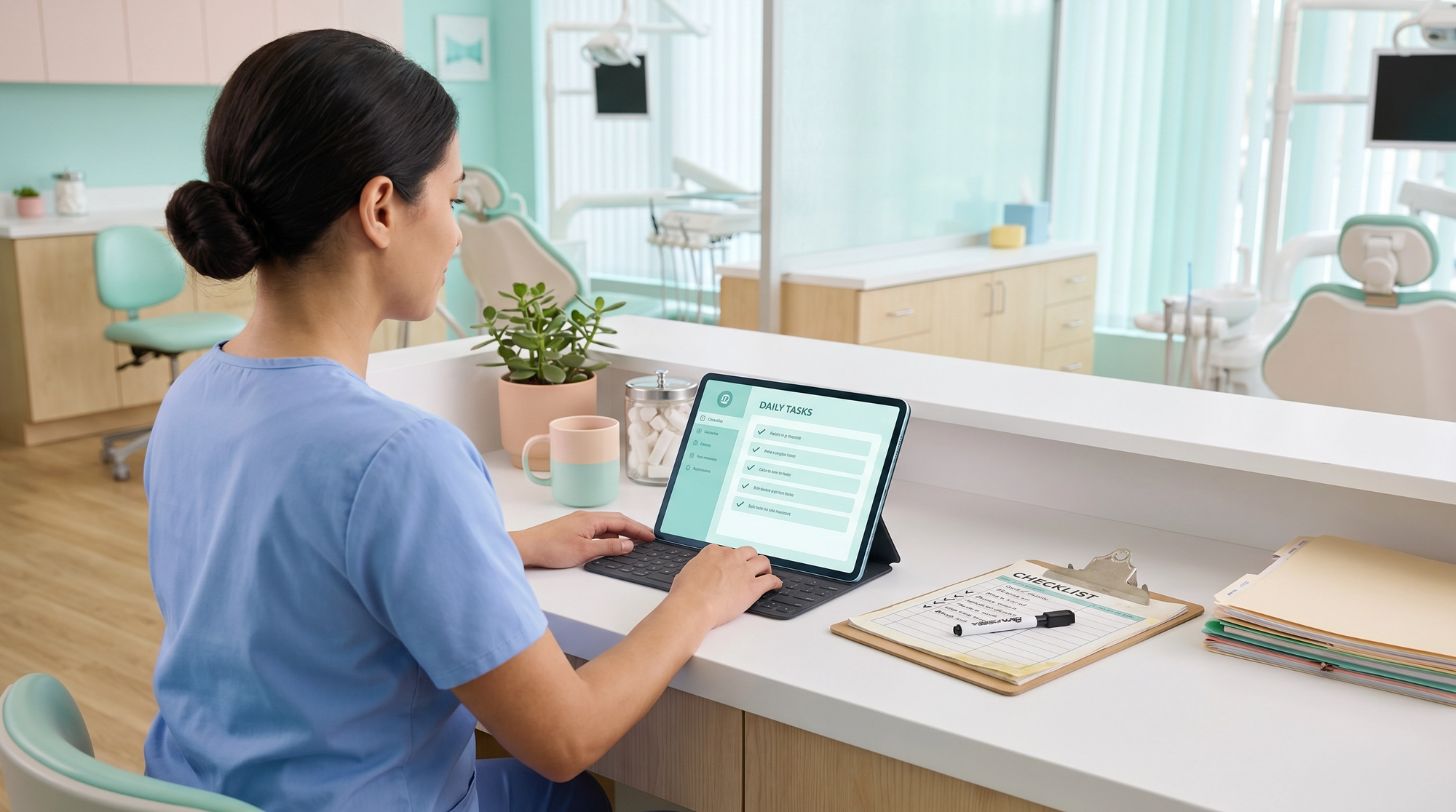
Digital checklists work better than paper in a modern dental office because they are easier to update, easier to assign, and easier to track as the practice changes. Paper can help as a starting point, but once roles shift and systems grow, static checklists usually create more confusion than control.
That is exactly why Milo helps dental offices replace paper-based recurring tasks with clearer digital systems that make ownership and completion easier to see.
Paper checklists can feel organized when you first make them.
You open a Word doc or an Excel sheet, format it nicely, print it out, and suddenly it feels like the office has a system.
That is exactly what I did in my dental office.
At first, it honestly worked well enough.
We had daily tasks, weekly tasks, and monthly tasks. People could fill them out and turn them in. It gave the team a starting point, and it gave me a way to get some of the recurring work out of my head.
Then, like a lot of offices, we tried to improve it.
One of my team members said we should stop wasting so much paper and laminate the checklists instead. That sounded smart. So I went to FedEx, got them laminated, brought them back, and we started using dry-erase markers.
It seemed like a better system.
It was not.
The more the office grew, the more obvious it became that paper and laminated checklists were only organized on the surface. They were too hard to update, too easy to outgrow, and too weak when it came to ownership and visibility.
That is why I would not go back.
Why does paper feels good in the beginning?
Paper works in the early stage because it is simple.
You can make a checklist quickly. You can print it. You can hand it to someone. You can put it on a clipboard at the front desk or keep it in the back near the lab or sterile area.
That alone can be a big improvement if your office has been running on memory and verbal reminders.
So I do think paper can be a useful first draft.
The problem is that most dental offices do not stay still.
Your systems change. Your roles change. Your responsibilities shift. And once that happens, paper starts showing its limits fast.
What started breaking for us?
In our office, we were using printed documents and Excel-style task lists that covered daily, weekly, and monthly work.
Then we laminated them so they could be reused.
That sounded efficient, but every change turned into a whole project.
If I needed to add a task, remove a task, or move responsibilities around, I had to go back into the document, rework the formatting, make everything fit again, print it, and laminate it all over again.
As we got busier, the task list kept growing.
I was learning how to run the business better, which meant I kept finding new things that needed to be systemized. The more I learned, the more the checklist had to change.
That is where paper started fighting against the office instead of helping it.
I was trying to fit a growing, changing system onto one fixed sheet.
At some point, that just stops making sense.
Why are laminated checklists still hard to run with?
This was one of the biggest issues for me.
A laminated checklist looks polished. It feels reusable. It makes it seem like you built something efficient.
But it is still static.
If the office changes, the checklist does not change with it unless someone goes back, edits it, prints it again, and laminates a new version.
That is a lot of manual work for something that should be easy to update.
And there is another problem.
If someone is using that same laminated checklist every Monday, it is hard to hand it off for review, archive it cleanly, or keep a clear record of what was actually completed over time.
Laminated checklists can be wiped clean very quickly.
That is exactly the issue.
You can lose the proof as fast as you create it.
Why does paper fail to create clear ownership?
This was the bigger lesson.
The problem was not just that paper was annoying to maintain.
The bigger problem was that it did not create enough clarity.
At the front, people had clipboards near them. In the back, the checklists lived in places like the lab or sterile area.
People were using them.
But if one person had the checklist and another person did not, the second person was often left guessing.
And when ownership was fuzzy, tasks slipped.
One person thought someone else was handling it. The other person thought the first person had it. Then later someone asked, "Did this get done?" and the answer was yes, even when nobody really knew for sure.
That is what I do not like about paper systems.
You can check a box without creating real visibility.
You can make it look complete without making it clear.
Why do static systems break as a dental office grows?
This is where a lot of offices get stuck.
A paper checklist might work for the office you have today.
But what about the office you have three months from now?
What if you add a treatment coordinator?
What if you bring on another assistant?
What if you split one role into two?
What if you start offering a new service?
What if the way you want the front desk to handle follow-up changes?
Those are normal changes in a real dental office.
But every one of those changes forces another update when you rely on Word docs, Excel sheets, printed pages, or laminated checklists.
That means the system gets harder and harder to maintain right when the office needs more flexibility, not less.
Eventually, the paperwork falls behind reality.
And once that happens, people stop trusting the checklist.
What changed when we switched to digital checklists?
The biggest shift came when we moved to Milo and used a digital checklist system instead.
Now I could edit tasks quickly.
I could add one, remove one, clean up the wording, or reorganize the flow without having to redesign a page or make another FedEx run.
That mattered a lot.
The checklist could keep up with the office.
It also helped with ownership.
Instead of having a general list floating around, tasks could be assigned clearly to one person. That made it much easier to know who was responsible for what.
And once the work was being completed digitally, there was better visibility too.
You could see tasks getting completed in real time. You could review what had been submitted. You were not relying on a wiped-off laminated sheet or somebody saying, "I got to it."
That is the part that made digital feel like a real operating system instead of just a nicer-looking checklist.
What does the before-and-after actually look like?
Before digital checklists, if a recurring task needed to be updated, the process was slow and annoying.
I had to edit the document, resize the format, reprint the page, and make sure the new version got back into the right hands.
If two people were sharing responsibility, it was easy for both of them to assume the other person would take care of it.
After moving the checklist into Milo, it became much easier to keep things current and assign clear ownership.
One person could own one task.
The checklist could be updated as the office changed.
And completed work became visible instead of assumed.
That is a much better fit for a dental office where responsibilities change, people cross-train, and systems need to stay current.
Is paper ever okay as a starting point?
I do think paper can be fine as a starting point.
If you are trying to get tasks out of your head for the first time, a printed draft is better than nothing.
But for recurring operational systems, paper usually stops working once the office gets busier, roles become more specialized, and the checklist needs to evolve.
That is the distinction I would make.
Paper can be a draft.
It is just not a great long-term operating system.
What works better in a modern dental office?
If your office is trying to improve follow-through, accountability, and consistency, digital checklists work better.
Not because they are trendy.
Because they are easier to update, easier to assign, easier to track, and easier to adapt as the office changes.
That matters in a dental office where systems are living things.
They do not stay frozen.
Your checklist should not stay frozen either.
Want a simpler way to move past Word docs and laminated sheets?
If you want a better starting point, get the Office Manager Checklist Bundle. It gives you practical checklists for the recurring office tasks that are hardest to keep consistent when your systems still live on paper.
It is a simple way to build clearer ownership, make updates easier, and create more follow-through without rebuilding your process from scratch every time something changes.